
In this tutorial, we will show you how to search for WooCommerce variable products missing variations. When you create variable products and don’t add variations, you can end up with dozens or hundreds of products without variations, and checking products one by one is too tedious. Also, WoooCommerce doesn’t let you filter products missing variations. That’s why we will use the WP Sheet Editor for WooCommerce Products plugin. It allows you to view and manage products and variations in an intuitive spreadsheet inside WordPress dashboard.
You can download the plugin here:
Download WooCommerce Products Spreadsheet Plugin - or - Check the features
After installing the plugin and activating your license, follow the steps below in order to search for WooCommerce variable products missing variations.
Open the products spreadsheet
Go to WP Sheet Editor > Edit Products, and you’ll see all your WooCommerce products displayed on the spreadsheet.
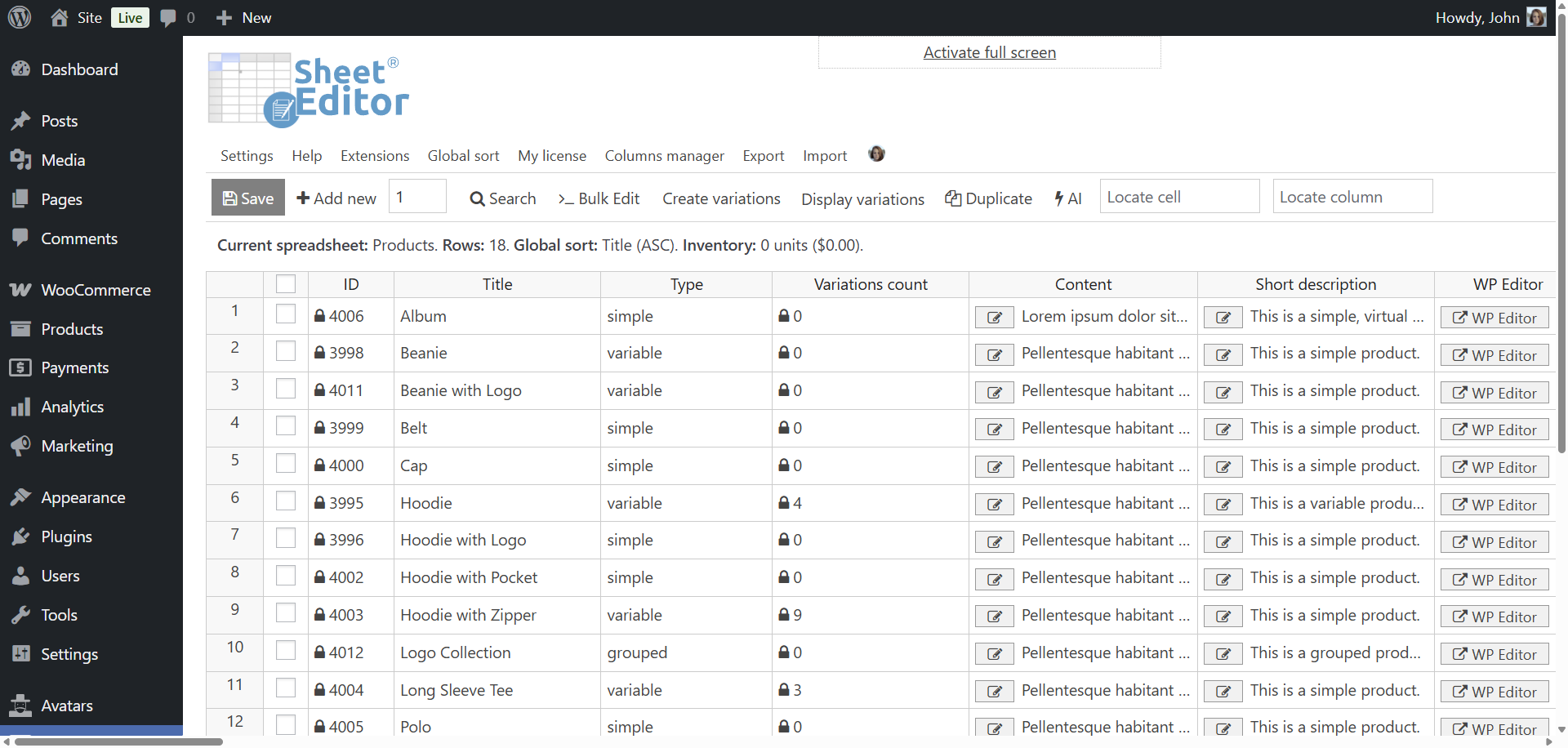
Option 1: Display variable products missing variations
The fastest way to find variable products missing variations is to use the Display variations control.
- Hover over the “Display variations” button on the top toolbar.
- Click “Only display variable products that have no variations”.
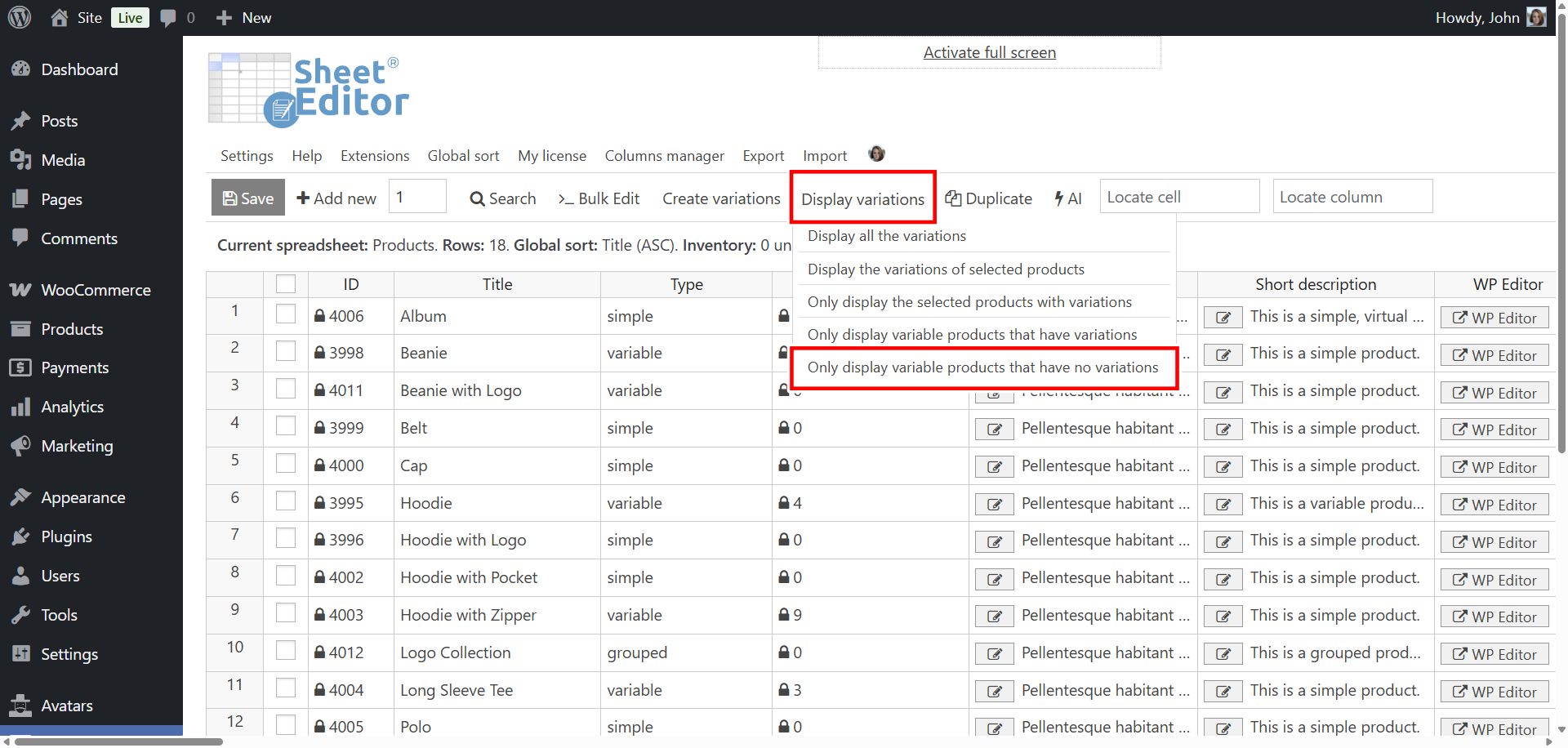
That filters the spreadsheet to show only variable products that do not have variations.
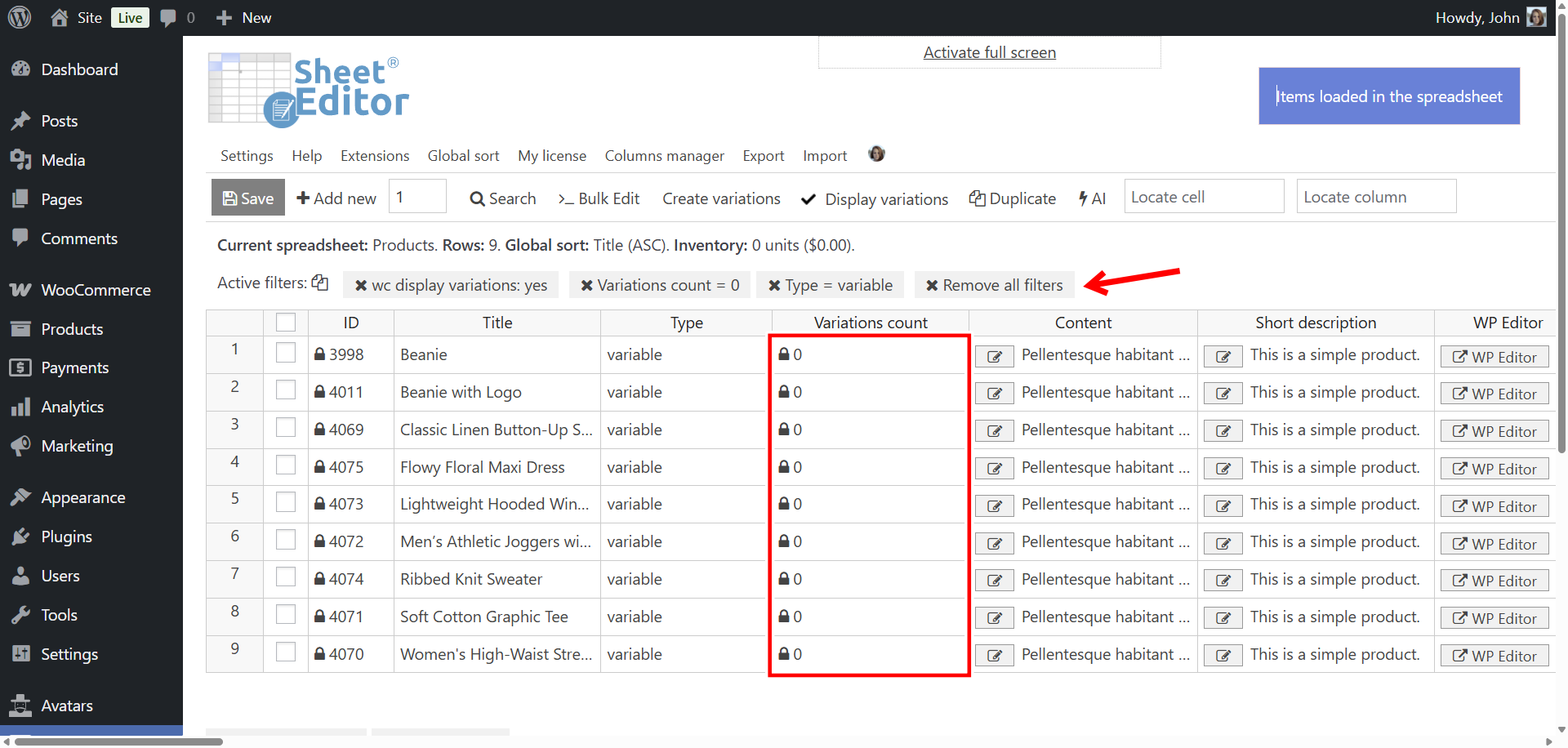
Option 2: Using the “Search” tool
The Search tool allows you to run advanced searches using any WooCommerce product field as a search filter. In this case, it will allow you to find all the variable products that have no variations.
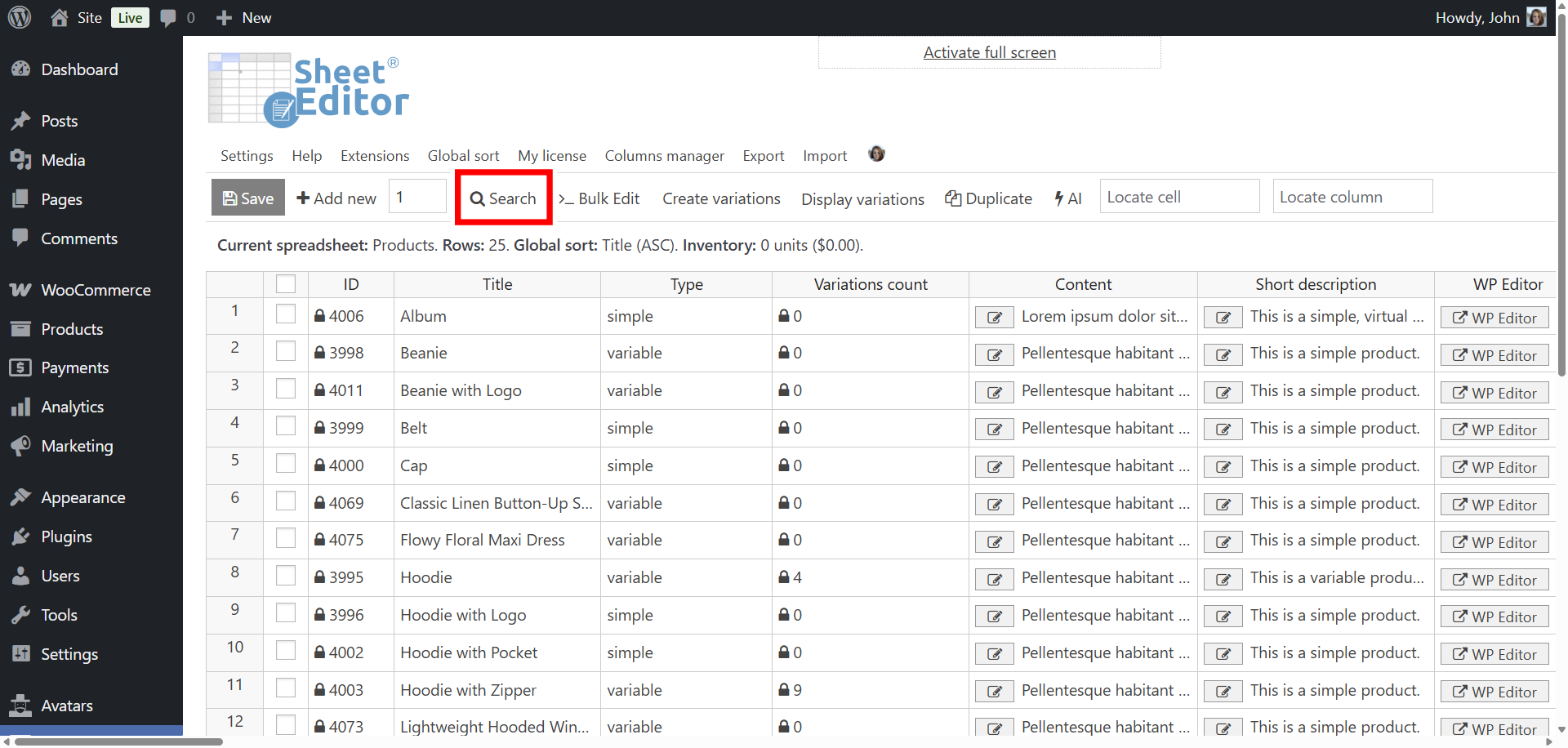
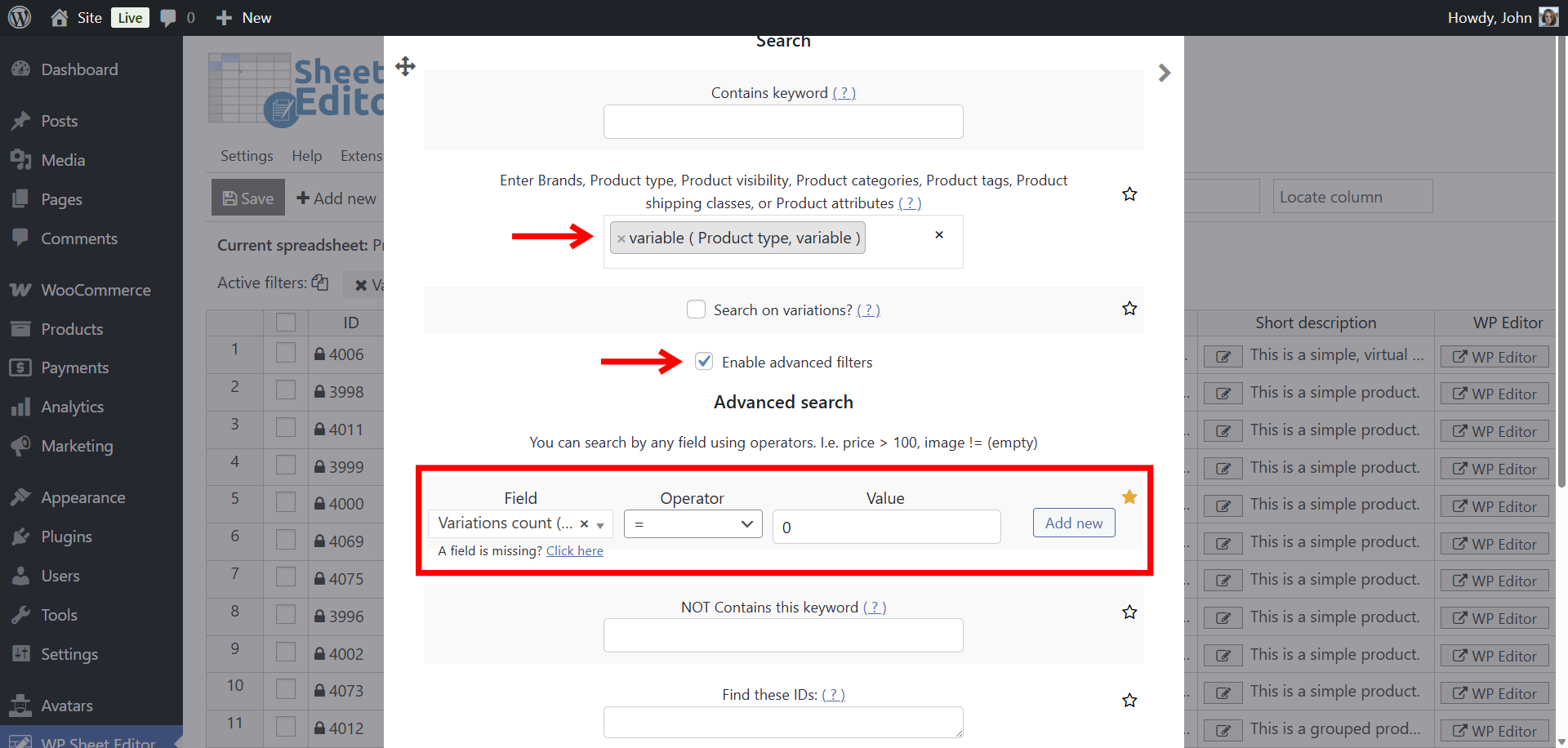
In the Search tool, select these values:
- Enter product type: Variable
- Tick the Enable advanced filters checkbox.
- Field: Variations Count
- Operator: =
- Value: 0
- Click on Run search.
After running the search, you’ll see all variable products with a variations count of zero displayed in the spreadsheet.
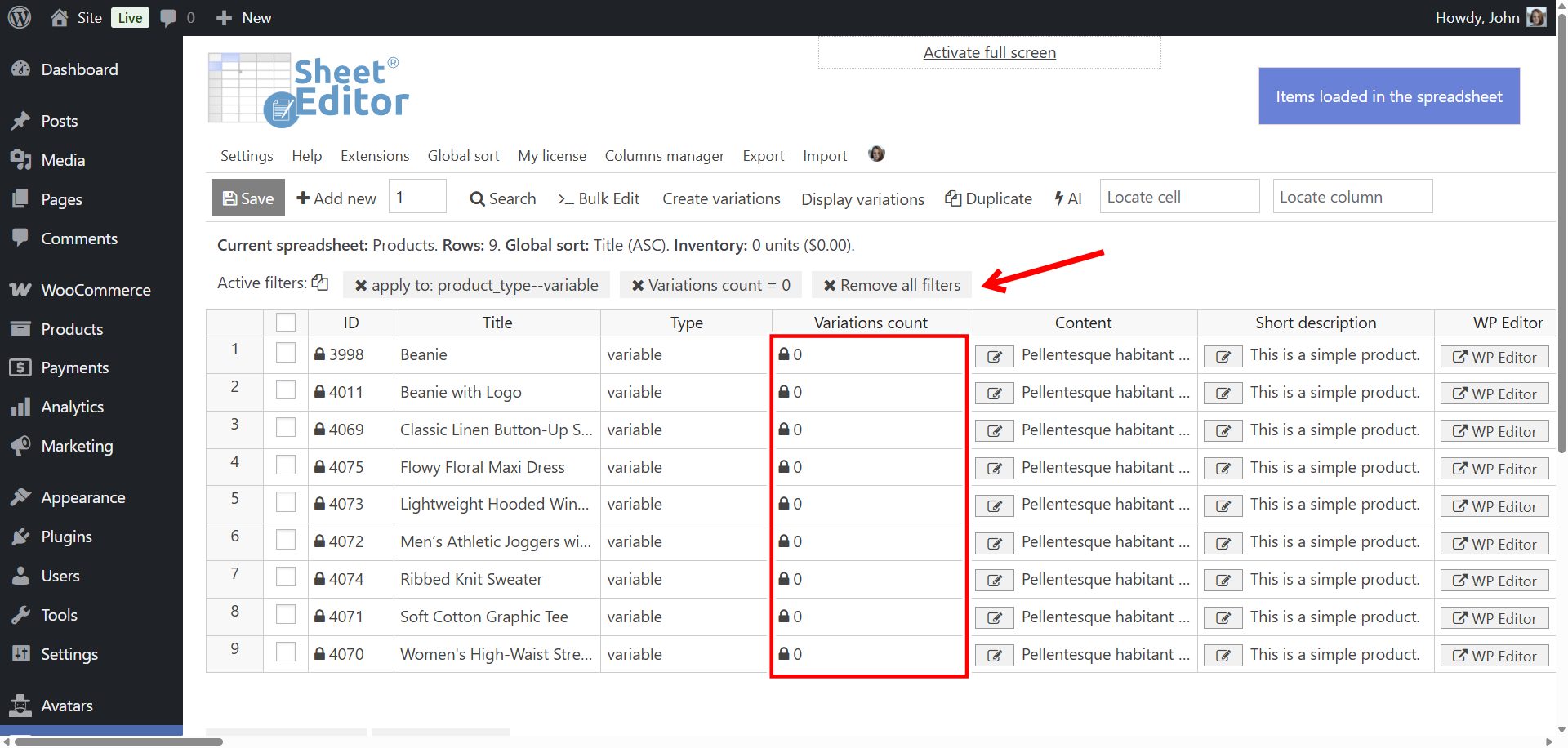
Finding and fixing WooCommerce variable products without variations with WP Sheet Editor takes only a few clicks.
You can download the plugin here:
Download WooCommerce Products Spreadsheet Plugin - or - Check the features