
You can use AI to generate SEO titles and meta descriptions for WooCommerce product categories in bulk. With WP Sheet Editor – AI, you can generate metadata for multiple product categories without opening and editing each one individually. In this tutorial, we’ll show you how to generate WooCommerce category SEO titles and meta descriptions using AI.
Table of Contents
What you need to optimize WooCommerce category SEO
1- WP Sheet Editor – Taxonomy Terms
Manage your taxonomy terms like categories, tags and others in a spreadsheet.
You can download the plugin here:
Get the Taxonomy Spreadsheet Editor - or - Check the features
2- WP Sheet Editor – AI
Connect WP Sheet Editor spreadsheets to your preferred AI provider (OpenAI, OpenRouter, LM Studio, any other OpenAI-compatible providers).
Ready to automate?
3- An SEO plugin
You need an active SEO plugin (like Yoast SEO, Rank Math, SEOPress or AIOSEO) so the custom metadata fields exist. In this example, we will use Yoast SEO, but you can apply the same steps if you use any other WordPress SEO plugin.
4- An AI API key
You will need an active API key from a supported provider (like OpenAI, OpenRouter, or any OpenAI-compatible provider).
If you haven’t set this up yet, please refer to our complete AI configuration guide.
Step 1: Create your AI prompts for generating SEO Titles and Descriptions
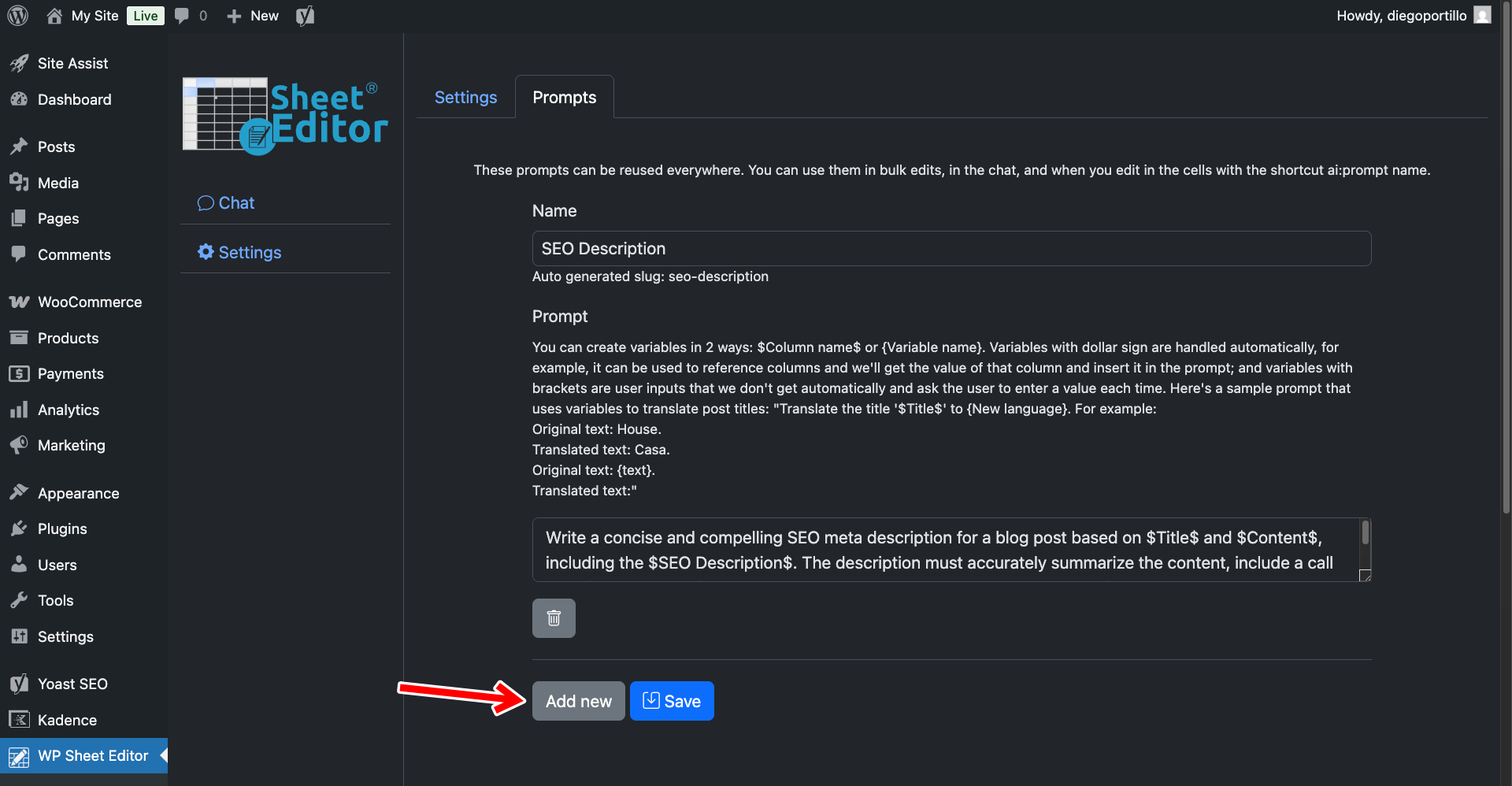
Go to WP Sheet Editor > AI > Settings > Prompts and click Add new to create your first prompt.
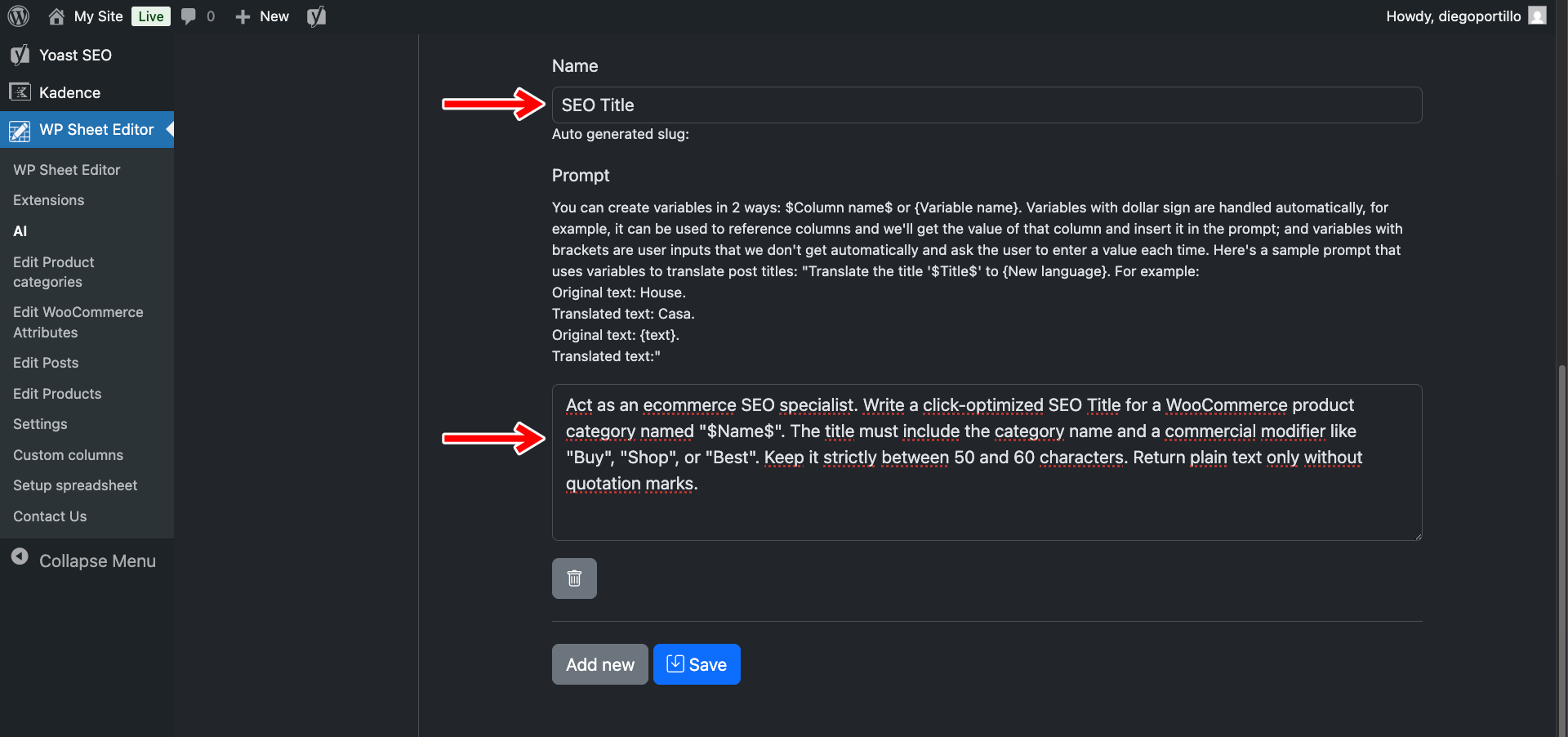
Prompt 1: Category SEO Title
- Name your prompt:
SEO Title - Enter this template:
Act as an ecommerce SEO specialist. Write a click-optimized SEO Title for a WooCommerce product category named "$Name$". The title must include the category name and a commercial modifier like "Buy", "Shop", or "Best". Keep it strictly between 50 and 60 characters. Return plain text only without quotation marks.
- Click Save.
Prompt 2: Category SEO Description
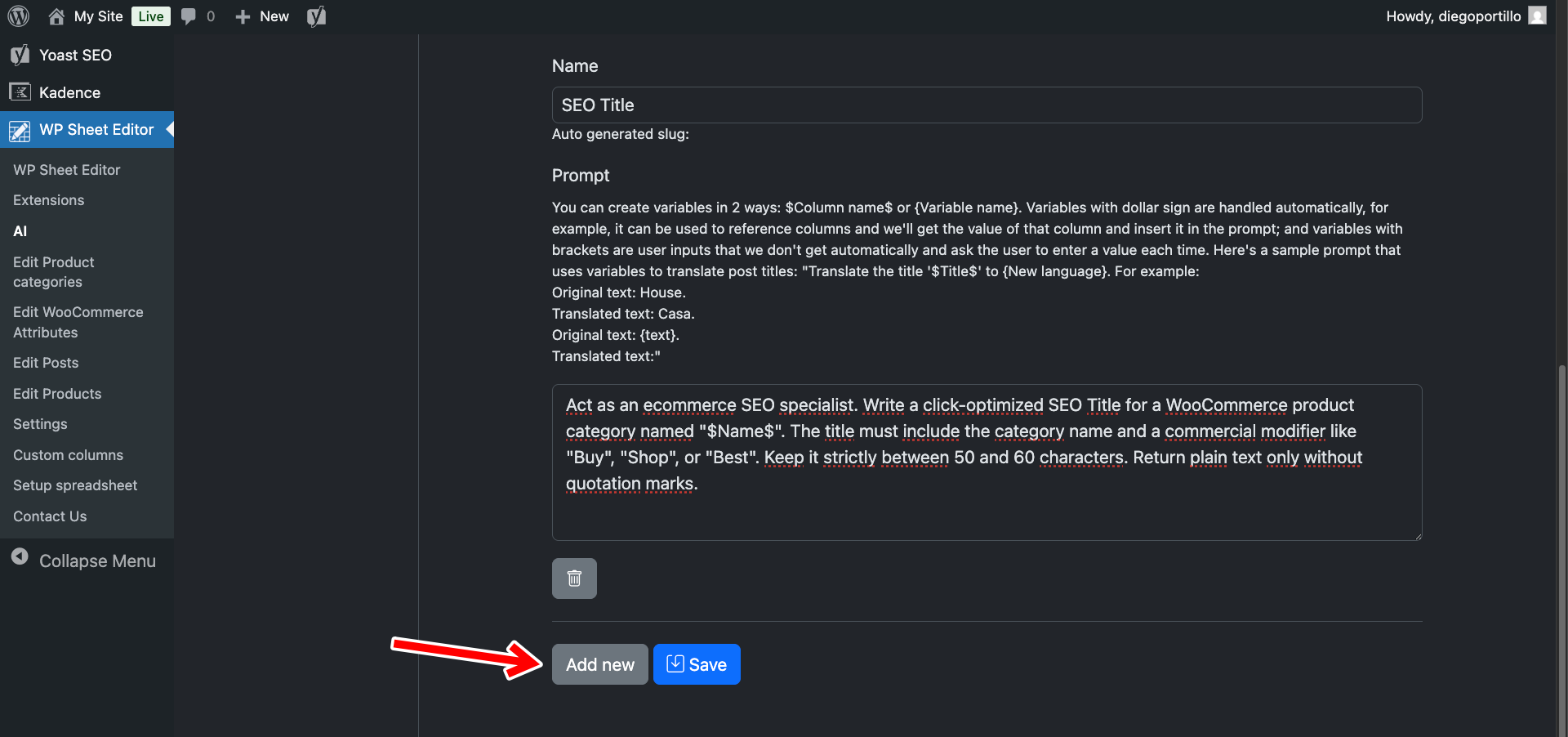
Click Add new again to create the second prompt.
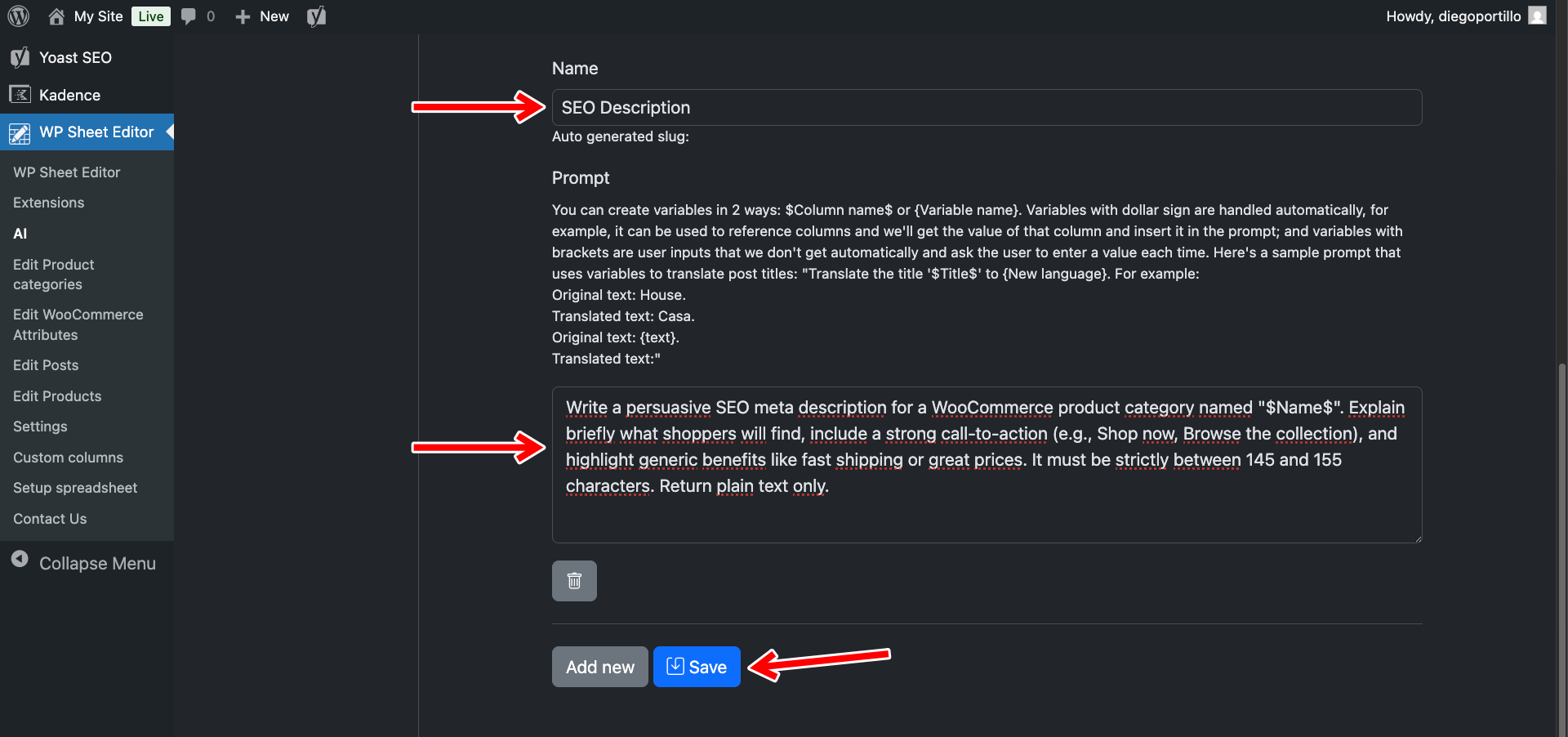
- Name your prompt:
SEO Description - Enter this template:
Write a persuasive SEO meta description for a WooCommerce product category named "$Name$", based on $Name$ and $Description$, and including the $SEO Keyword$. Explain briefly what shoppers will find, include a strong call-to-action (e.g., Shop now, Browse the collection), and highlight generic benefits like fast shipping or great prices. It must be strictly between 145 and 155 characters. Return plain text only.
- Click Save.
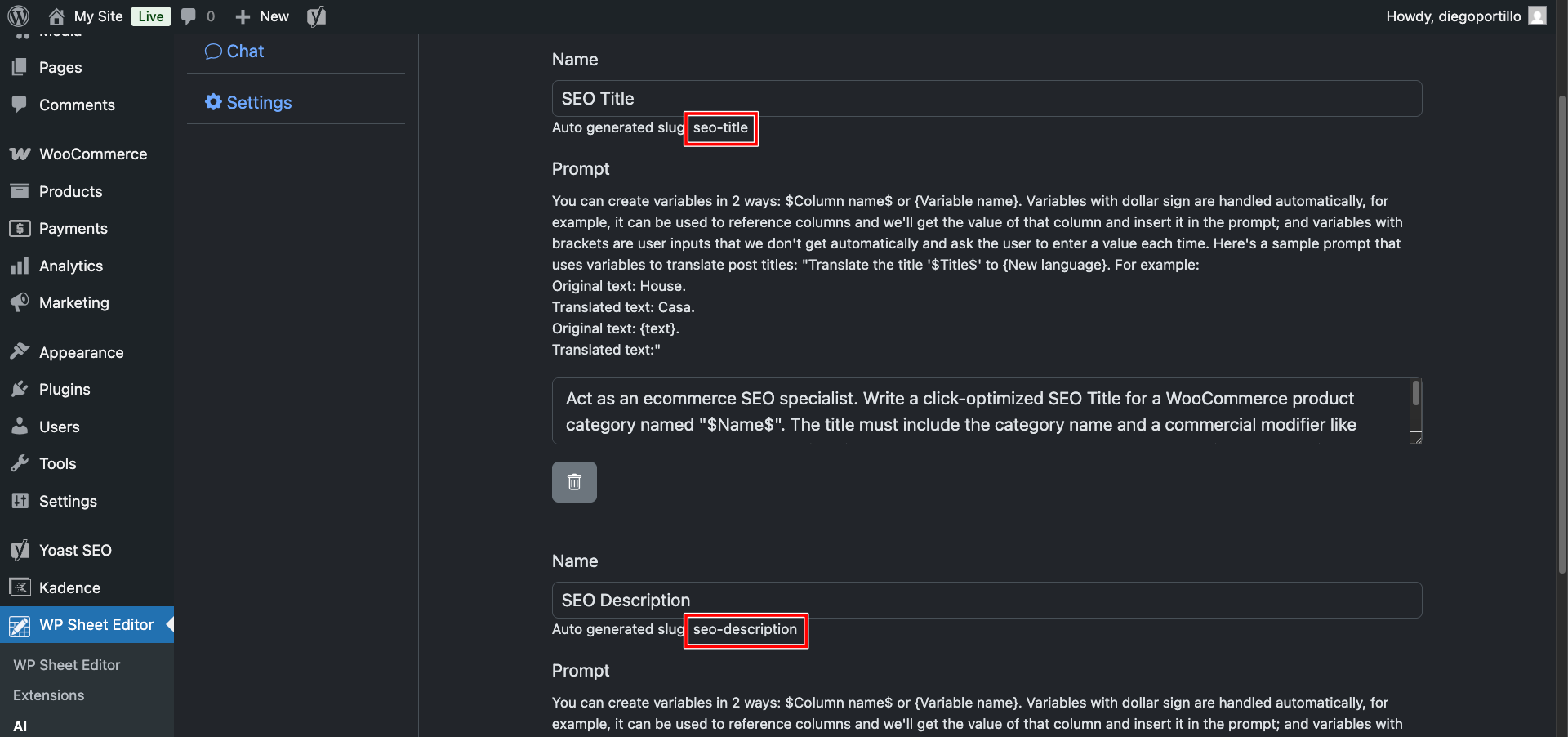
Once you save your global prompts, you will see that the plugin will automatically generate slugs for each prompt.
In this case:
- SEO Title:
seo-title - SEO Description:
ai:seo-description
Step 2: Generate Category SEO metadata directly in the spreadsheet
Go to WP Sheet Editor > Edit product categories to load the spreadsheet.
Locate the columns generated by your SEO plugin. You can use the Columns manager to sort the columns and put them next to each other.
For example, if you use Yoast, look for SEO Title and SEO Description.
To optimize a specific category quickly without opening its settings page:
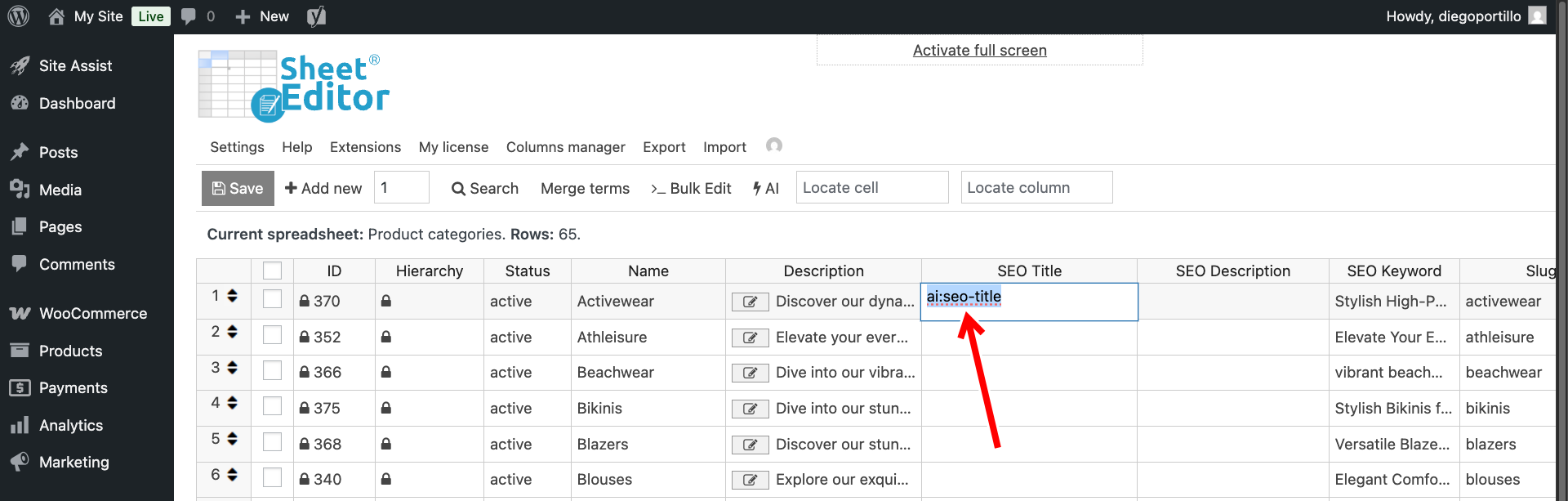
- Click on the empty SEO title cell for that category and type
ai:seo-title, then hit Enter.
- Click on the empty SEO description cell for the same category, type
ai:seo-description, and hit Enter.
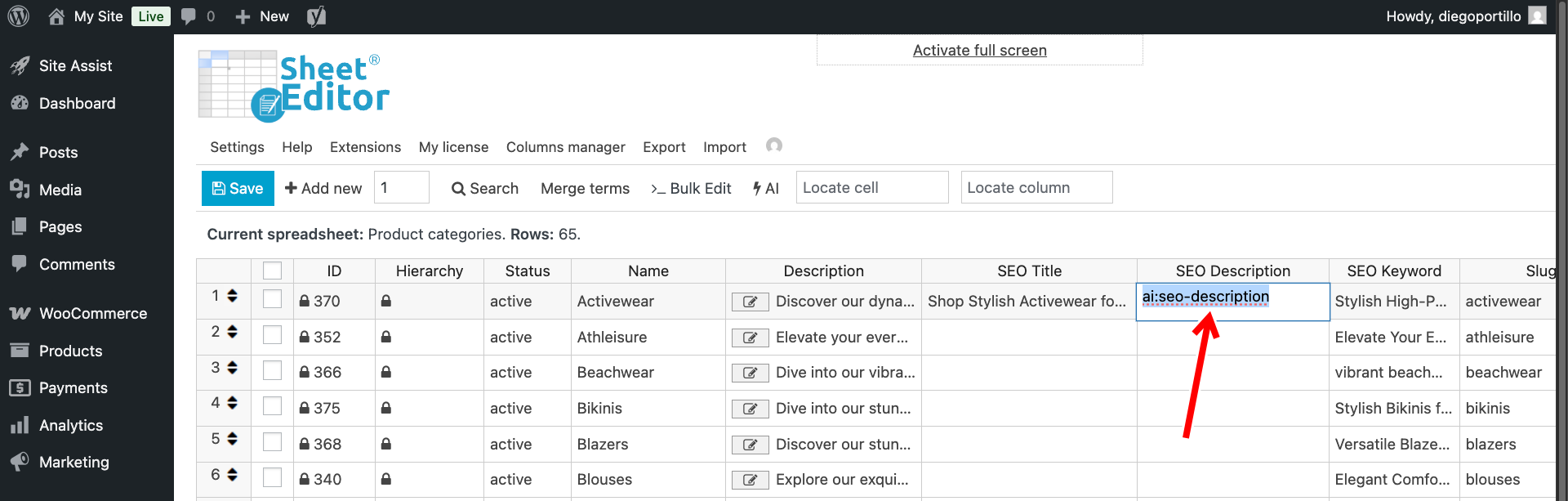
The AI will read the category name and populate both cells with perfectly measured, commercial-intent SEO metadata. You can paste the same prompt shortcut into multiple cells to generate SEO titles and descriptions for multiple categories at once.
Step 3: Bulk generate SEO data for all empty categories
If your store has dozens of product categories and subcategories lacking SEO data, filling them cell-by-cell is inefficient. You can use the Bulk Edit tool to process them all simultaneously.
Note: You will run the bulk edit twice: once for the titles, and once for the descriptions.
Open the Bulk Edit tool from the top toolbar.
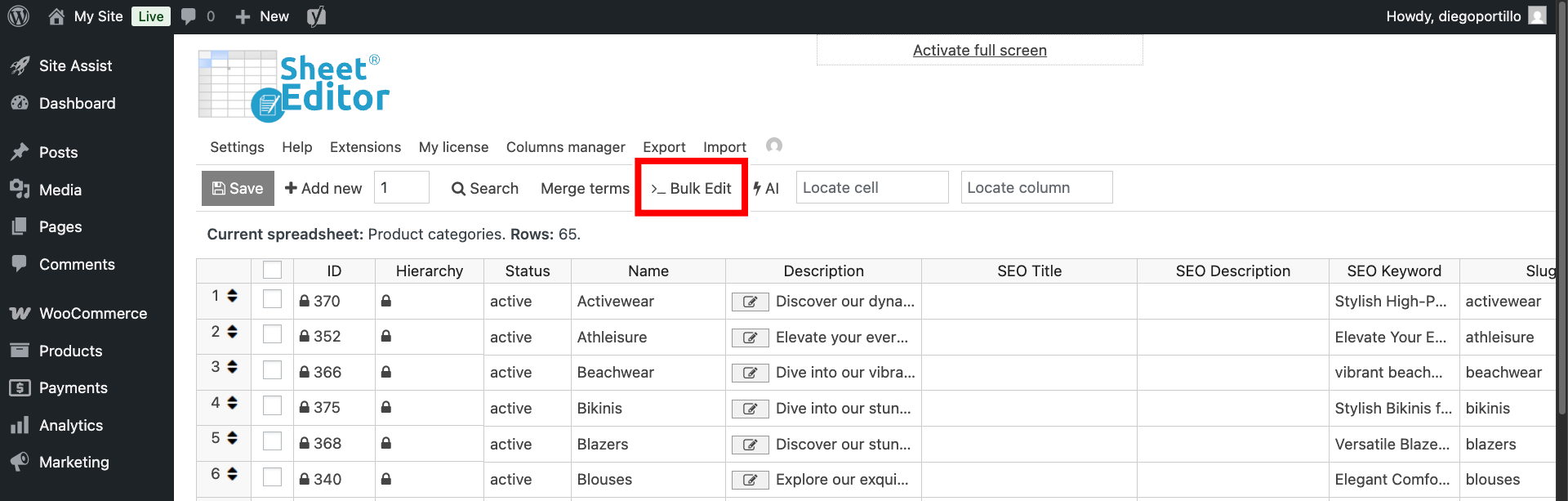
Once there, select these values to generate WooCommerce category SEO with AI.
- Select the rows that you want to update: Choose “Edit all the rows from my current search”.
- What field do you want to edit: Select your SEO title or SEO description field (e.g.,
SEO TitleorSEO Description). It all depends on what you want to edit right now. - Select the type of edit: Choose AI command: SEO Title. or AI command: SEO Description, depending on what you chose in the previous field.
- AI Provider: Choose your preferred model; in this case, we will use GPT-4o mini through OpenRouter.
- Click Execute Now.
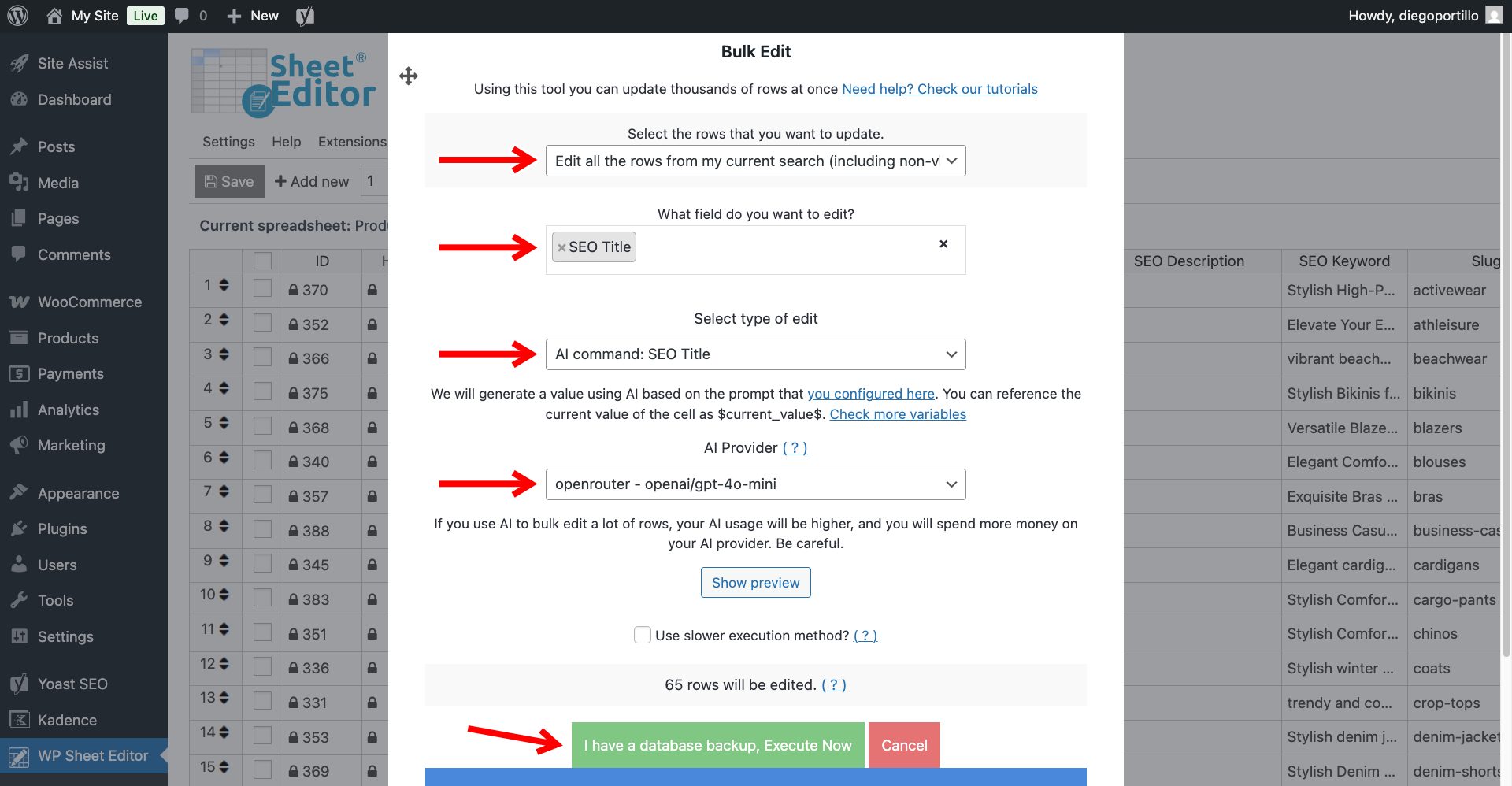
The AI will evaluate your taxonomy structure and inject highly relevant, traffic-driving metadata into every single product archive on your WooCommerce site.
As you can see below, we have written SEO titles and SEO descriptions with AI in bulk.
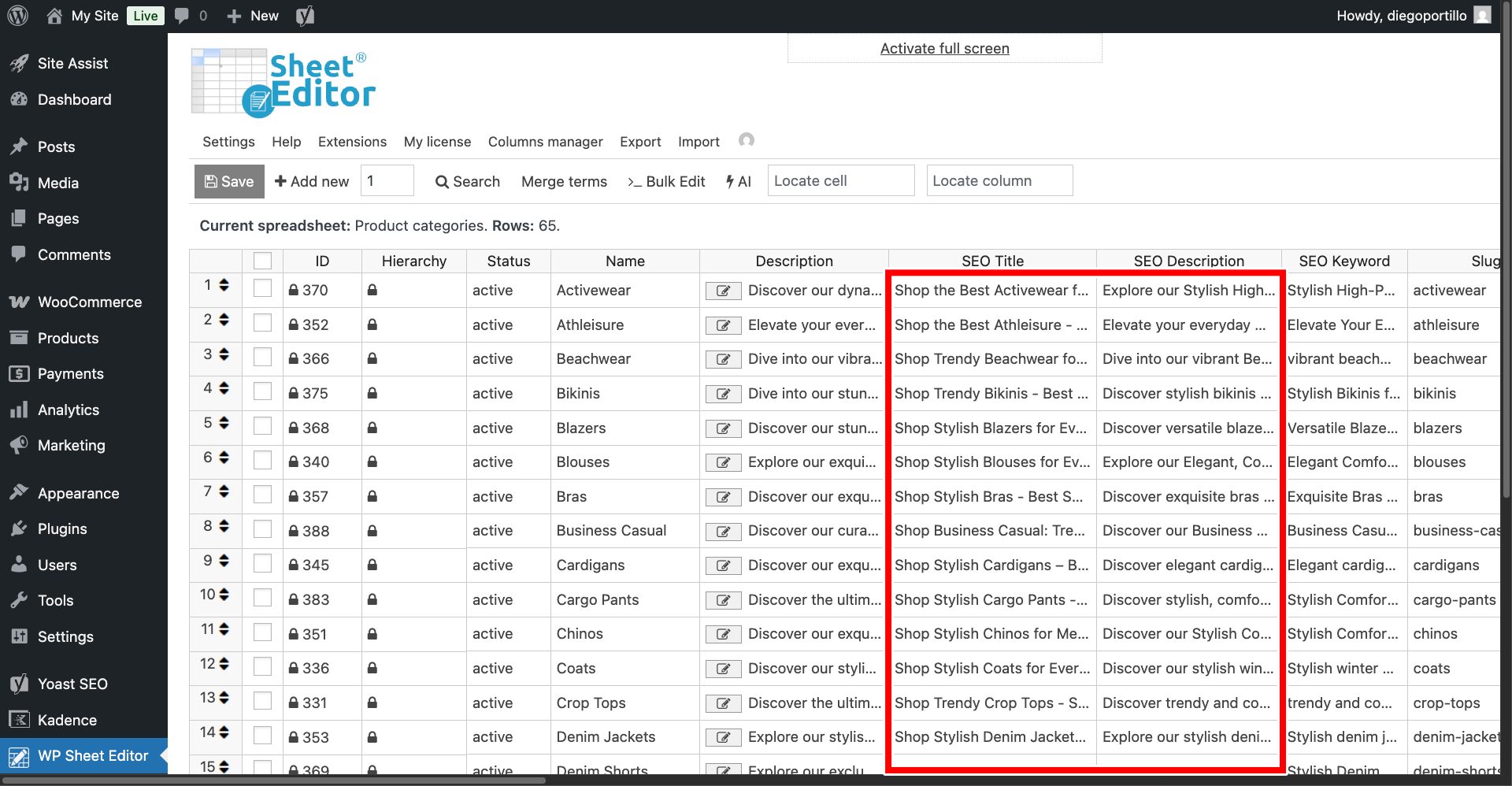
By pairing your SEO plugin with WP Sheet Editor – AI, you eliminate the massive friction of writing manual meta tags.