
Managing a large store requires efficient workflows, but manually updating catalog content takes dozens of hours. While AI can help WooCommerce store owners write product descriptions, improve titles, generate short descriptions, translate product data, and update SEO fields, applying those changes at scale remains a challenge. The fastest way to use generative AI in WooCommerce is by editing product content in bulk directly from a spreadsheet interface instead of opening products one by one.
Introducing WP Sheet Editor – AI for WooCommerce

We created WP Sheet Editor – AI, which brings generative AI directly into your WooCommerce product management workflow in WP Sheet Editor. Instead of opening products one at a time, you can use AI from a spreadsheet interface to work on hundreds or thousands of products at once.
You can sign up here:
Sign up to the WP Sheet Editor - AI Service - or - Check the features
What can you do with AI in WooCommerce?
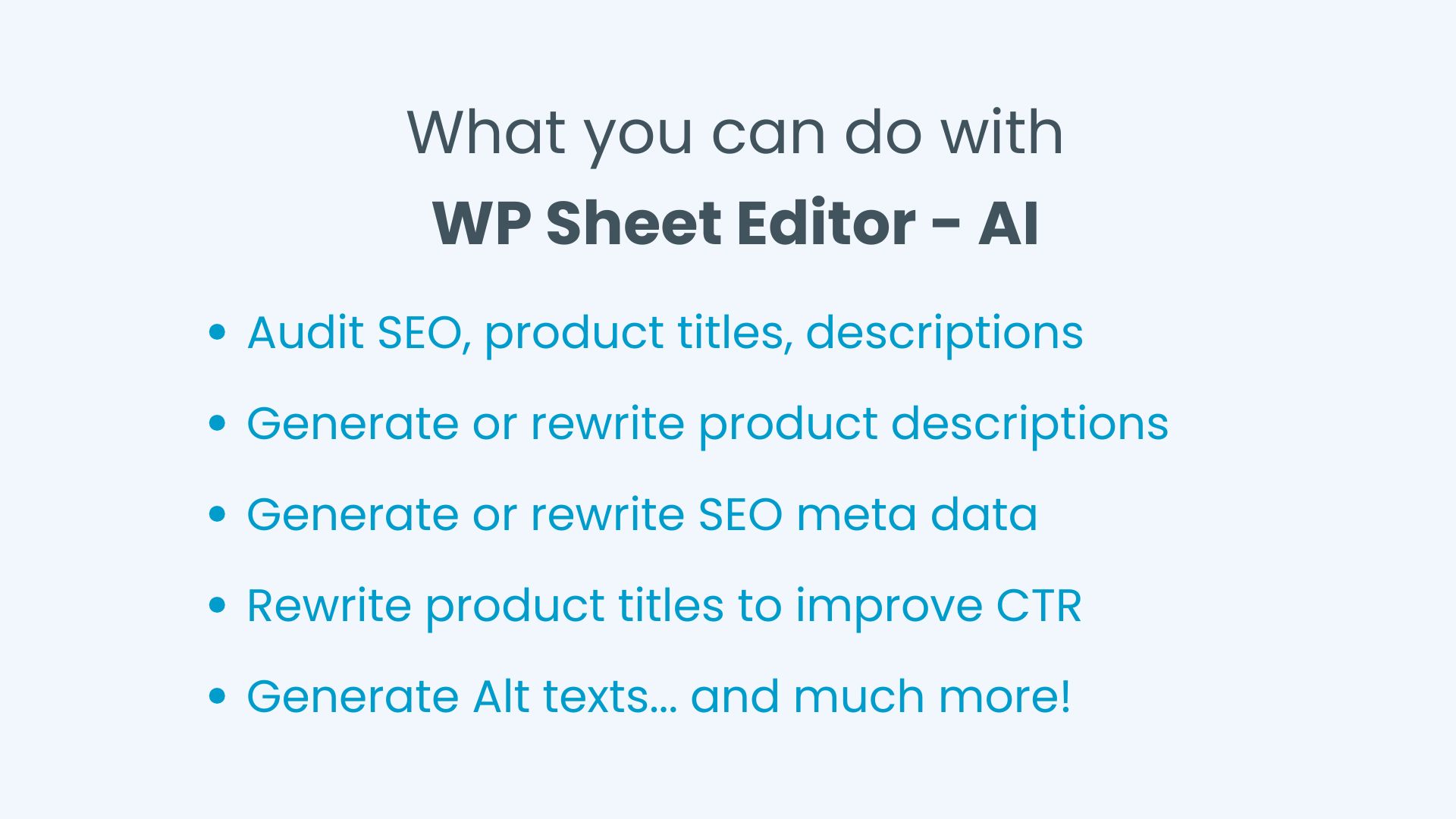
AI can help you speed up many of the content and catalog tasks that take lots of time when managing a WooCommerce store with many products. You can use it to create new content, update existing product information, and keep your catalog consistent, even when you have hundreds or thousands of products.
- Create product descriptions: Generate descriptions for products that need new content using information already in your catalog, such as product names, categories, attributes, dimensions, SKU, etc.
- Refresh product descriptions: Rewrite existing descriptions to make them clearer, more useful, and easier to read while keeping the important product details.
- Improve product content for search: Update product copy to make it clearer and more relevant to the search terms and topics related to your products.
- Update SEO information: Use AI to improve existing meta titles, meta descriptions, and other SEO content across older products.
- Write product meta titles: Generate search-friendly meta titles in bulk based on your product information and the format you want to use across your store.
- Generate short descriptions: Turn product information into concise summaries for product listings, catalogs, and other parts of your store.
- Organize products with tags: Generate relevant product tags from information already in your catalog, making it easier to classify and organize products.
- Generate custom field values: Fill ACF and other custom fields with product-specific information, such as features, specifications, dimensions, and other details.
- Translate your catalog: Translate product titles, descriptions, custom fields, and other catalog information when you start selling to customers in different languages.
Compatible AI providers and LLMs
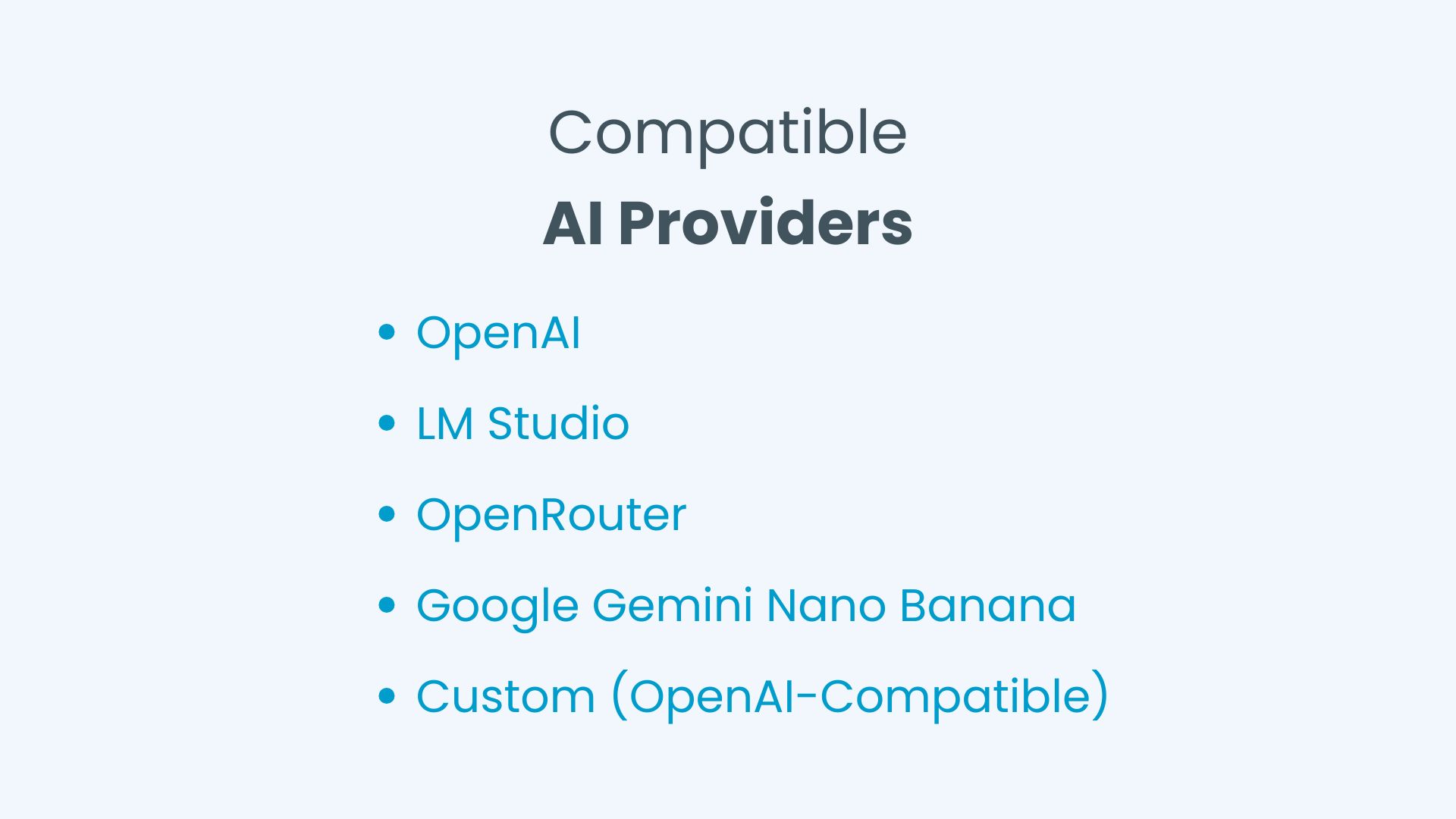
WP Sheet Editor – AI supports providers such as:
- OpenAI (Text, Image, Multimodal)
- OpenRouter (Text, Multimodal)
- Google Gemini Nano Banana (Image)
- LM Studio (Text, Image, Multimodal)
- Custom LLMs compatible with OpenAI API format
This gives you flexibility over how you process your store’s content and makes it easier to use AI for specific products or content fields without having to process your entire catalog.
How to integrate generative AI into WooCommerce
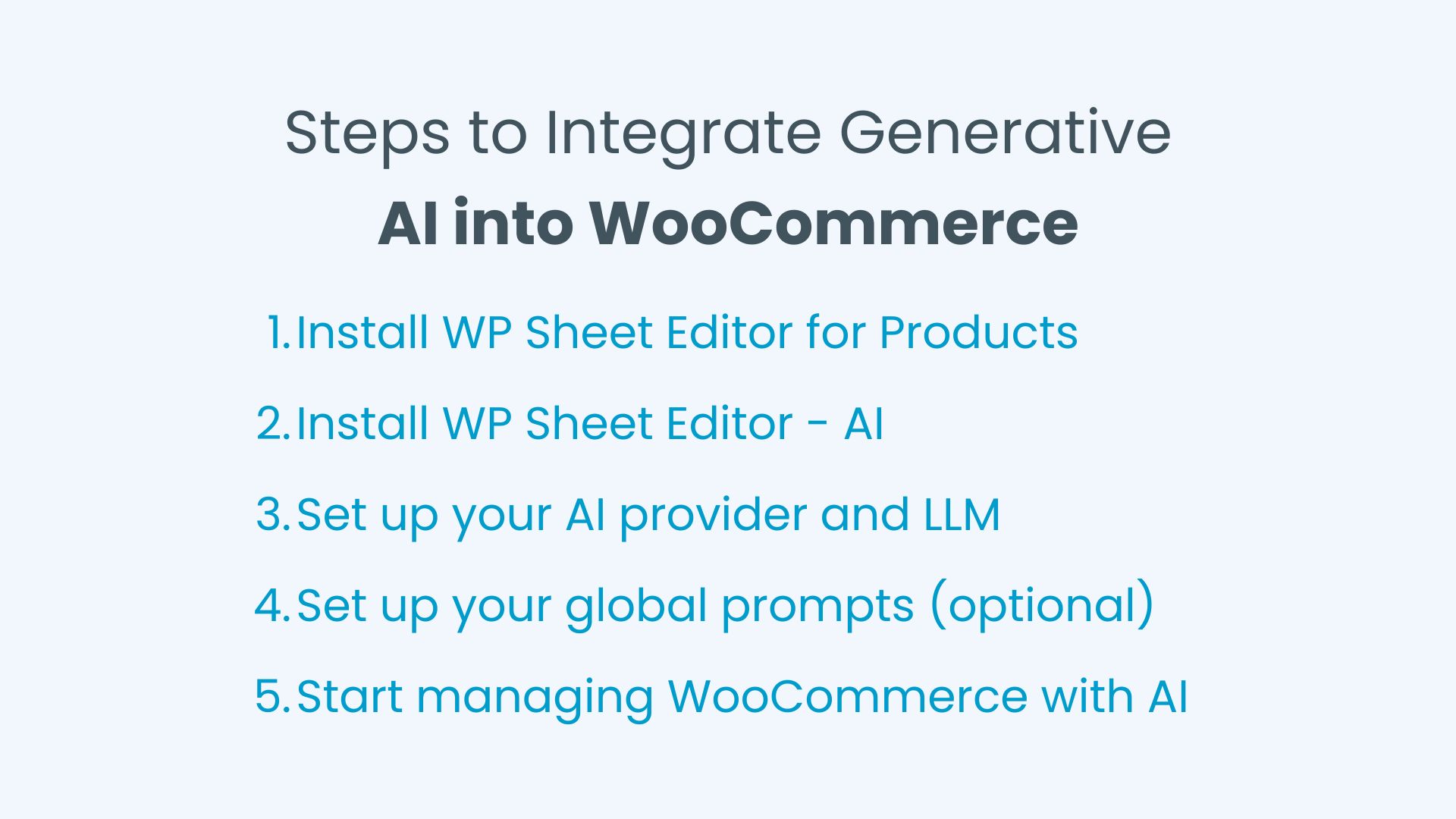
Here are the steps you need to follow in order to manage your WooCommerce products with generative AI:
One of the factors that reduce productivity is that every time you need something, you have to type a prompt into an AI chat or LLM interface, which becomes tedious when repeated many times. The good news is that WP Sheet Editor – AI lets you save global prompts to generate or rewrite content in bulk. This allows you to have special prompts for each field of your WooCommerce products and easily reuse those prompts.
Editing products with AI in a spreadsheet
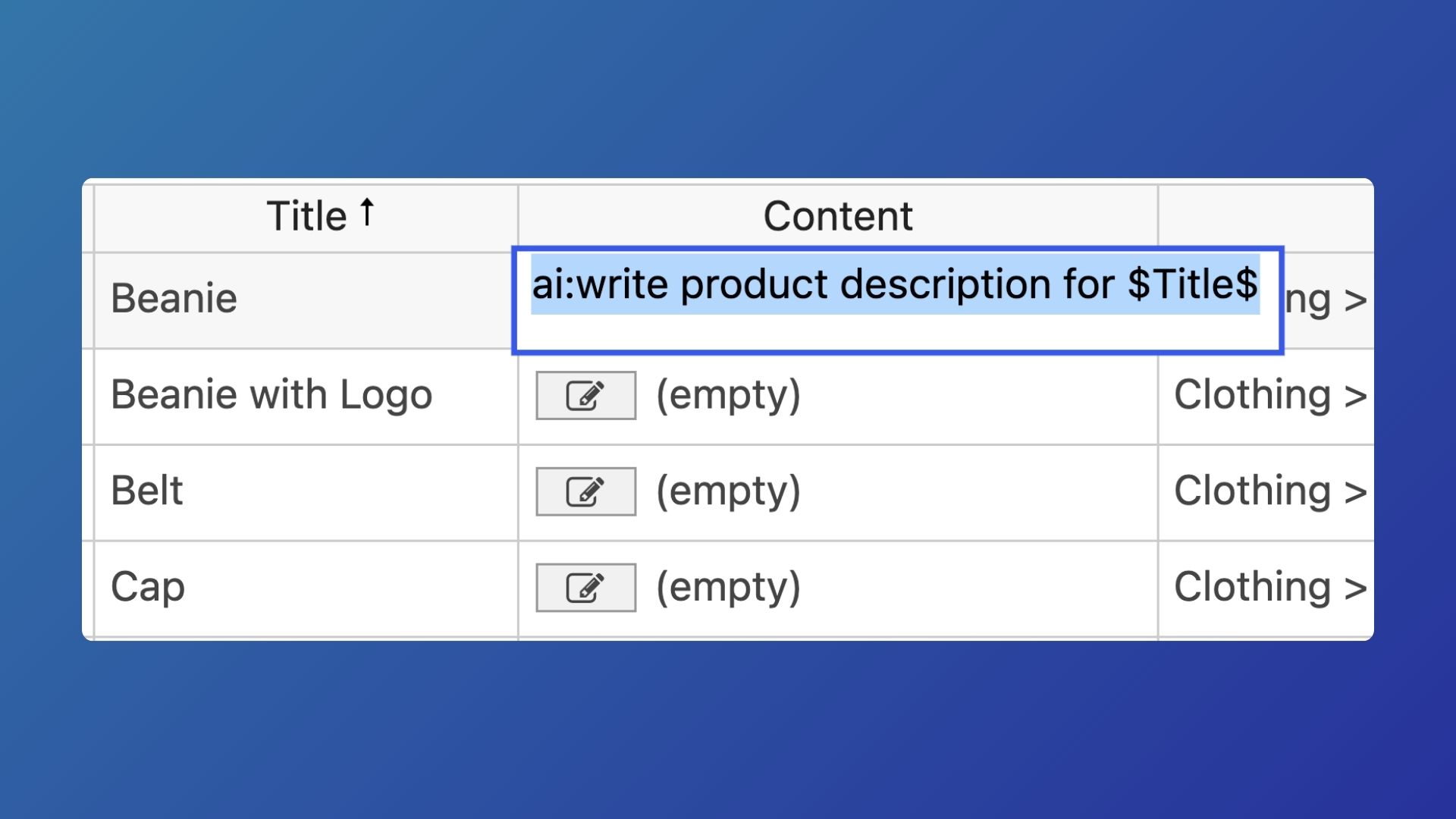
If you want to generate new content or edit existing content in the cells of the spreadsheet, you can do so in two ways:
1- Using a complete prompt
Click on the cell you want to edit, type ai: and then enter the prompt. You can use other columns as context or a basis for generating the content. For example:
ai: write a short description by summarizing the $Content$
2- Using a global prompt shortcut
That is great when you want to trigger AI prompts on the go. But if you want to run the same prompt for multiple cells, the easy way is to use global prompts and trigger them using a prompt shortcut like:
ai:write short description
How to bulk edit WooCommerce product fields with AI
WP Sheet Editor – AI lets you use AI prompts to generate or rewrite WooCommerce product fields in bulk. You can apply the same AI instructions to products from your current search or to products you manually select in the spreadsheet.
- Select the products that you want to edit.
- Choose the field you want to edit with AI.
- Enter your prompt or select a global prompt.
- Preview the result.
- Generate or rewrite in bulk using the Bulk AI API.
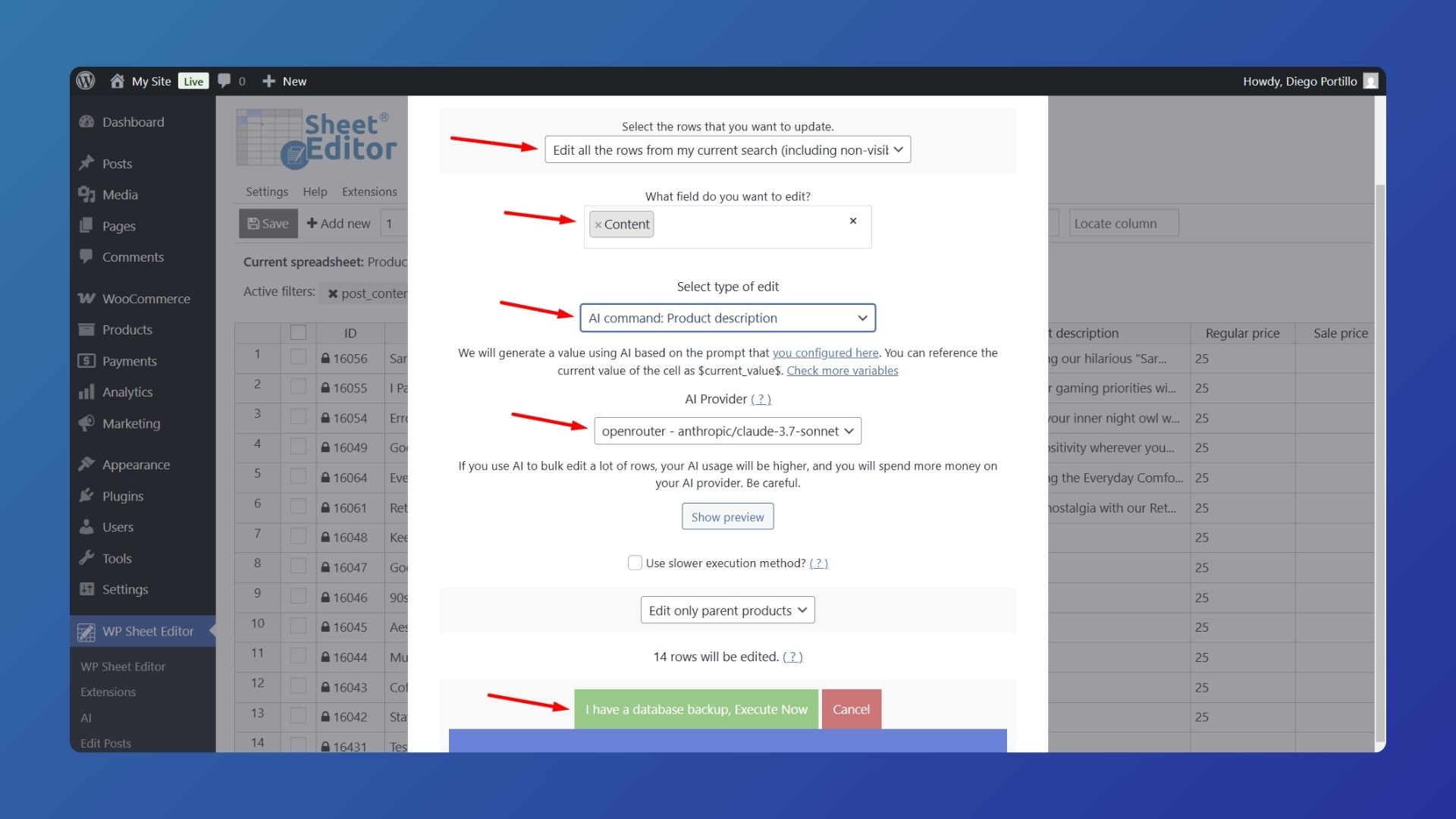
For large catalogs, test your prompt on a small group of products first. AI output can vary depending on the prompt, provider, and model, so you should verify that the generated content accurately represents your products before applying the same instructions to hundreds or thousands of products.
Also keep API costs in mind. The AI provider you connect to handles the AI billing, so your usage and costs depend on the provider, model, and number of requests you make. Processing a large product catalog can result in significantly more API usage than testing a prompt on a few products.
What to consider when using AI for WooCommerce
When using AI to generate or rewrite WooCommerce content, always take some time to review and test the results. Make sure your prompt and chosen LLM are producing content that actually fits your products and helps improve your store. AI can save you a lot of time, but you shouldn’t hand over the entire process without reviewing the output and making changes when necessary.
It’s also important to keep API costs in mind. Depending on the AI provider and model you use, each generation or rewrite may use API credits and add to your bill. These costs are charged by your AI provider, not by WP Sheet Editor, so keep an eye on your usage and choose a model and workflow that work within your budget.
Ready to manage your WooCommerce products with AI?
You don’t have to open your products one by one to edit, rewrite, translate, or improve your catalog content. With WP Sheet Editor – AI, you can work with your products in a spreadsheet, use your own AI prompts, preview the results, and apply changes to multiple products at once.
Whether you need to refresh old product descriptions, generate SEO content, create short descriptions by summarizing product content, organize products with tags, or update custom fields, you can build repeatable AI workflows that fit your WooCommerce catalog.
You can sign up here:
Sign up to the WP Sheet Editor - AI Service - or - Check the features