
Every WooCommerce store has products that simply do not sell. Often, the problem isn’t the product itself, but how it is presented. Weak descriptions, unoptimized SEO titles, and missing details can destroy your conversion rates.
By default, fixing this means identifying your low-selling items, opening each product in WooCommerce, staring at a blank text editor, and trying to write compelling marketing copy from scratch. If you have 200 products gathering digital dust, this manual process will take weeks and drain your creative energy.
In this tutorial, we will show you how to improve your poor selling WooCommerce products using Artificial Intelligence directly within your WordPress dashboard. By using an integrated spreadsheet, you can filter out the low-performers and use AI to bulk-generate high-converting titles and descriptions in a matter of minutes.
Why use Artificial Intelligence to improve WooCommerce products?
Combining bulk-editing power with generative AI inside WordPress offers massive workflow improvements for your store:
- Identify poor sellers instantly: Filter your catalog by “Total sales” to immediately see which items need an urgent copy overhaul.
- Bulk AI generation: Use quick prompts to write hundreds of descriptions and SEO titles in seconds, based on the product’s existing attributes.
- Never leave WordPress: Unlike using external tools like ChatGPT, you don’t have to copy and paste text between tabs or export CSV files. Everything happens right inside your WooCommerce database.
What you need to optimize your products
To bypass the slow WooCommerce interface and automate your copywriting, we will use these WP Sheet Editor tools:
WP Sheet Editor – WooCommerce Products
This plugin generates a spreadsheet inside your WordPress dashboard where you can view, filter, and edit all your products on a single screen.
You can purchase the core plugin here:
Get the WooCommerce Products spreadsheet - or - Check the features
WP Sheet Editor – AI
This extension integrates the power of Artificial Intelligence directly into your WP Sheet Editor spreadsheets, allowing you to bulk generate, translate, and modify content for thousands of rows at once using dynamic prompts.
You can get the AI extension here:
An AI Provider API Key
You need an active connection to an AI provider (such as OpenAI, OpenRouter, or any other OpenAI-compatible provider). If you haven’t established this connection yet, please refer to our API setup documentation.
Step 1. Find your low-selling products
First, you need to find the products that have low sales.
Open the WooCommerce products spreadsheet by going to WP Sheet Editor > Edit Products. You’ll see your products displayed in the spreadsheet.
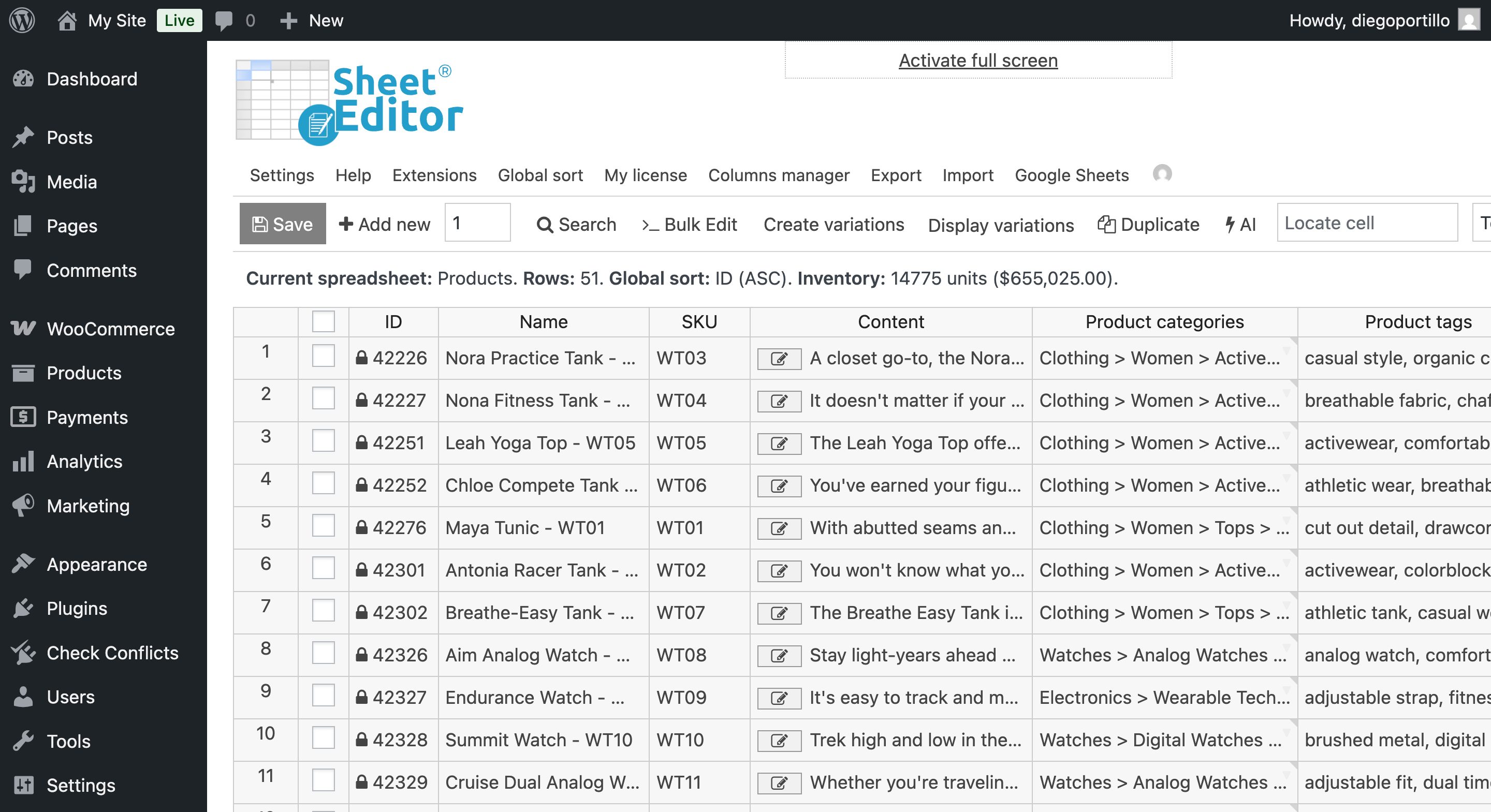
Instead of scrolling to find which products aren’t selling, we will use the advanced Search tool.
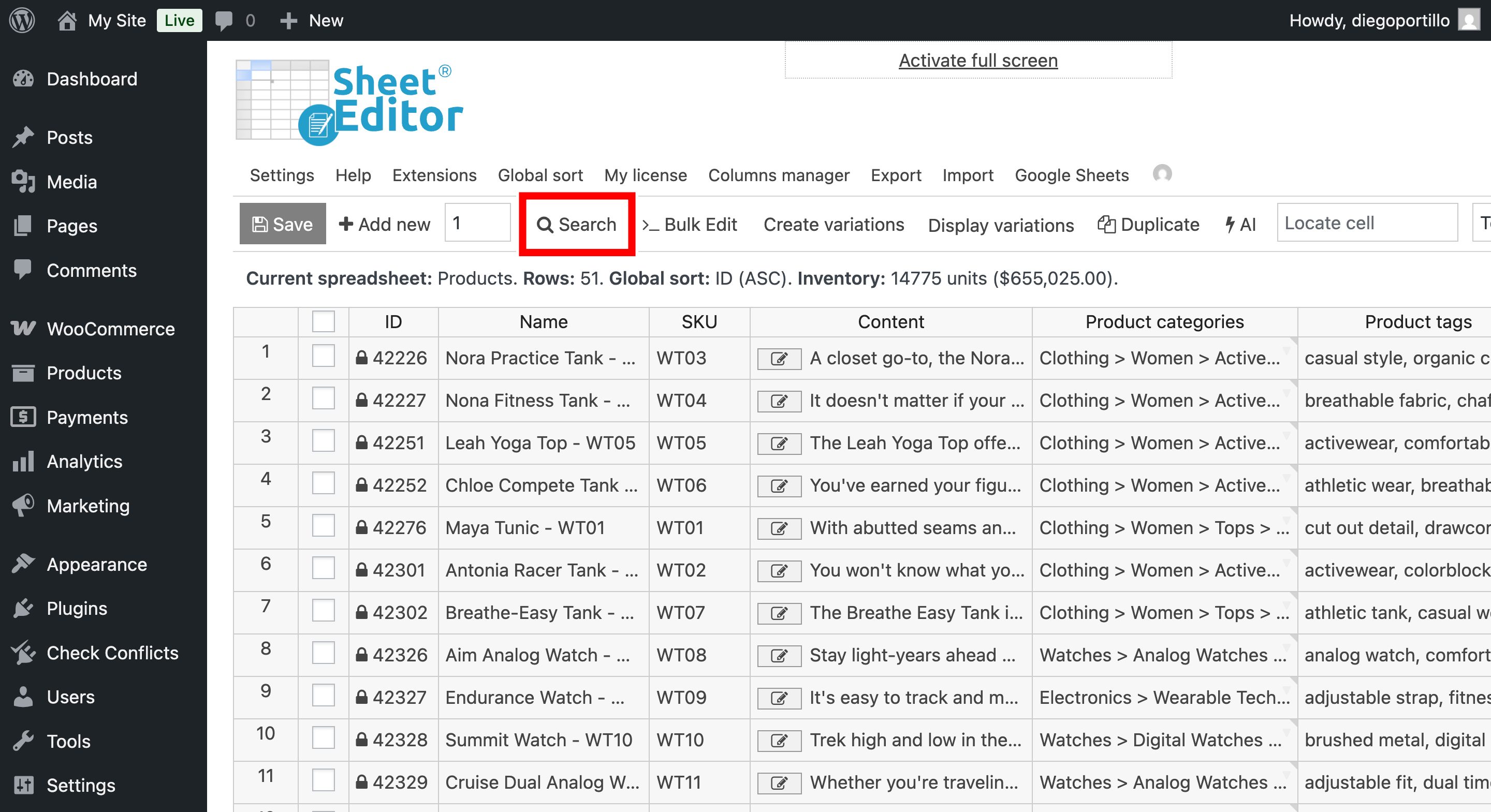
Once you’re in the Search tool, select these values to run the search:
- Tick the Enable advanced filters checkbox.
- Filter 1: Status = Published
- Click Add new to create a new filter.
- Filter 2: Total sales < 5, for example.
- Click on Run search.
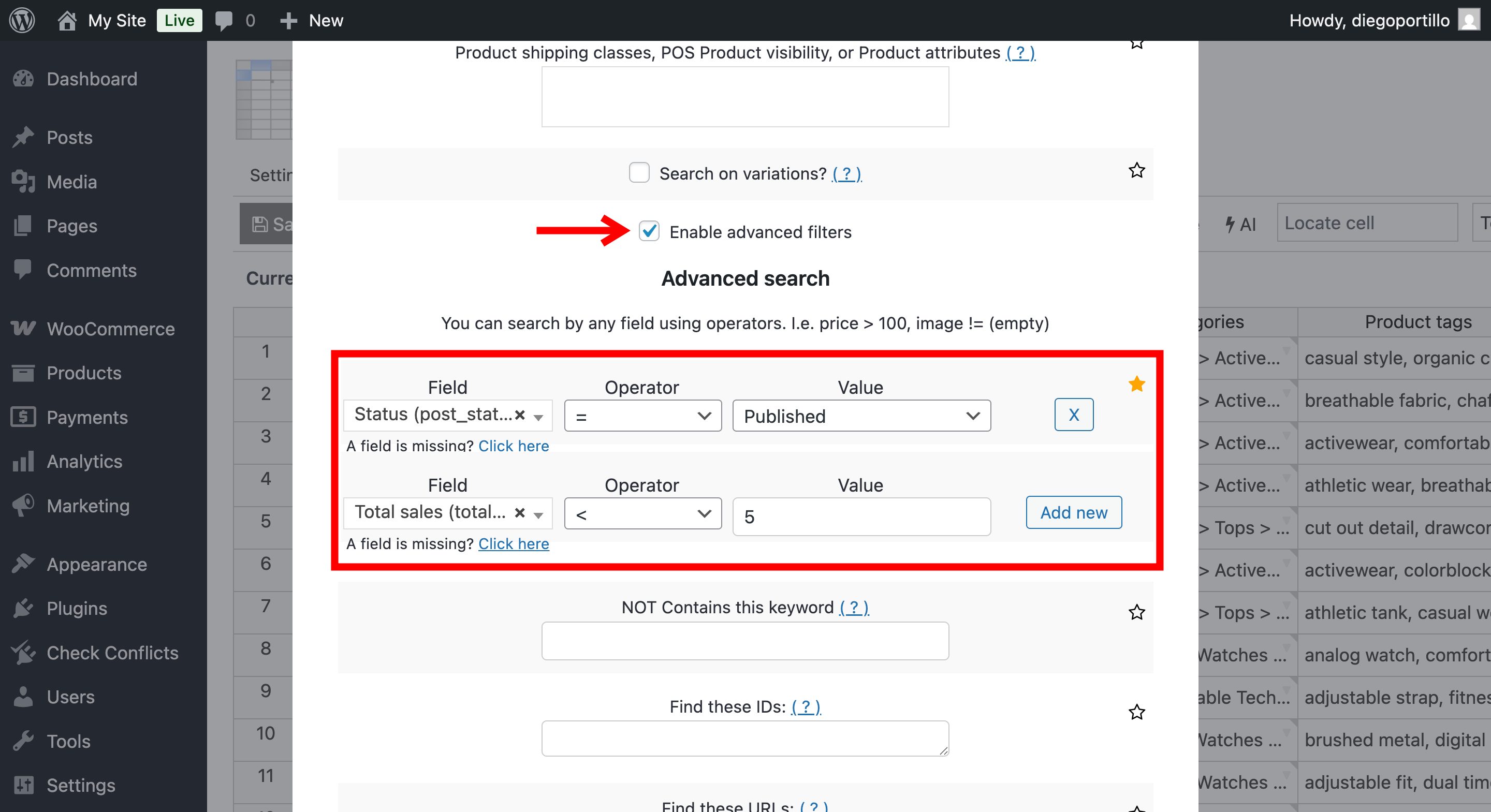
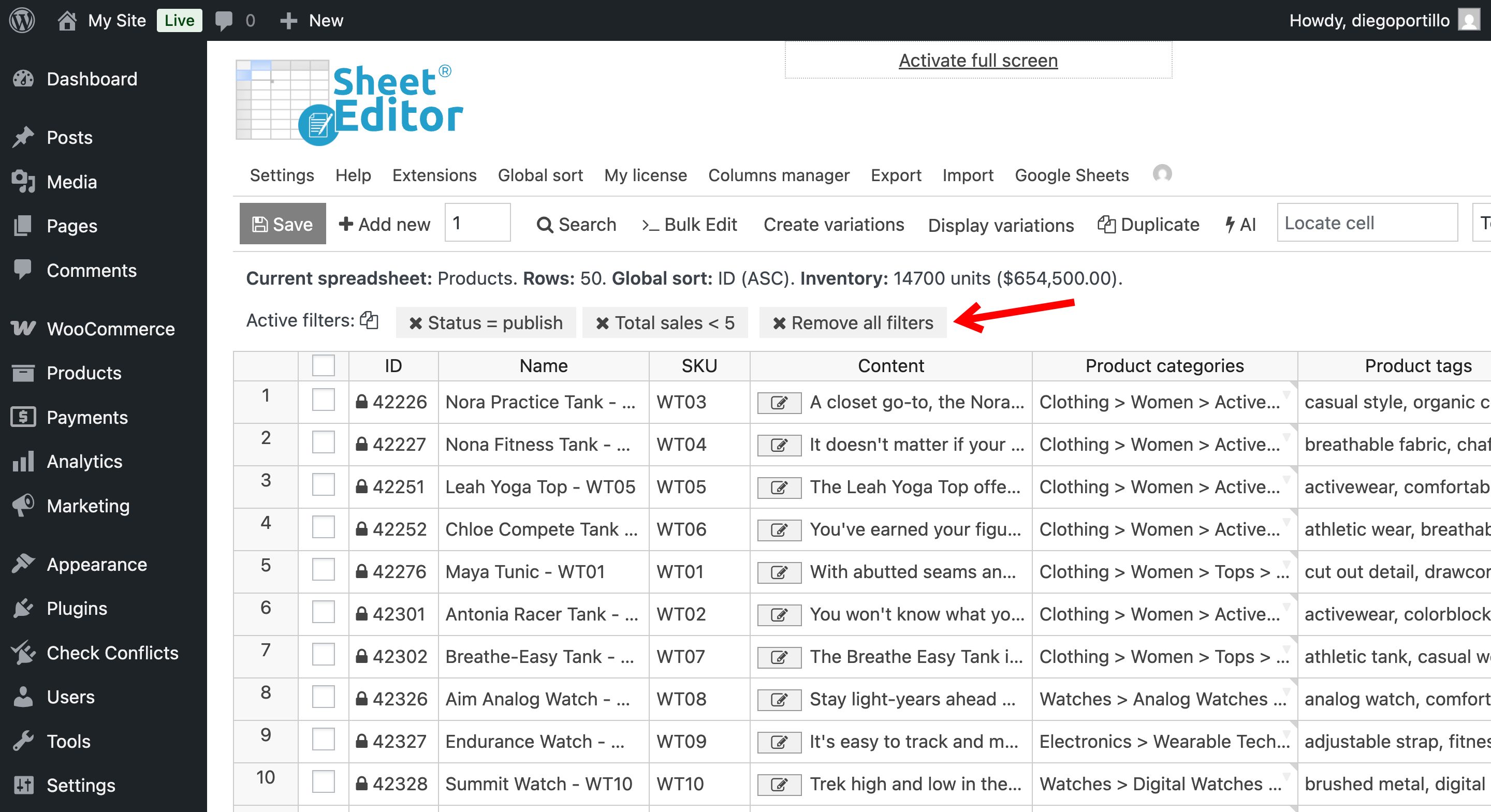
Now, the spreadsheet will only display the underperforming products that need new descriptions or titles.
Step 2. Improve your poor-selling products
With your products filtered, it is time to let Artificial Intelligence do the heavy lifting.
Here are some useful tutorials where you can learn how to use AI to:
- Rewrite product titles for higher conversions
- Write product descriptions
- Improve product descriptions
- Audit SEO
- Generate SEO Keywords
- Bulk edit SEO titles and descriptions
Boost your WooCommerce sales with AI
Boosting poor selling products shouldn’t require hiring an expensive copywriter or spending weeks typing descriptions manually. By using WP Sheet Editor – AI, you can leverage Artificial Intelligence to instantly generate compelling marketing copy for your entire catalog, without ever leaving WordPress. Simplify your store’s content management and start converting more visitors into customers today.